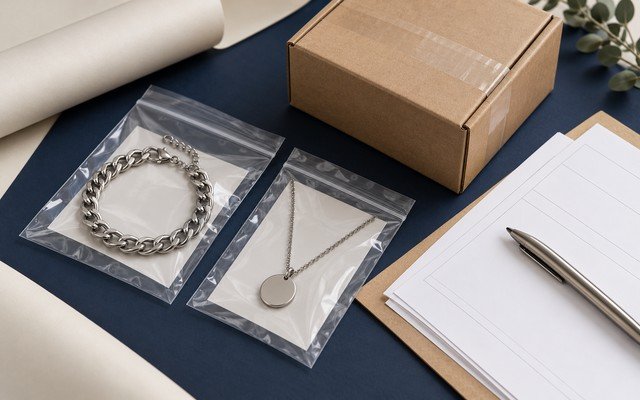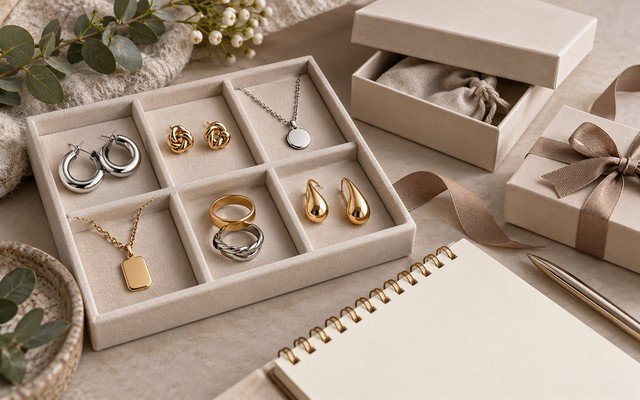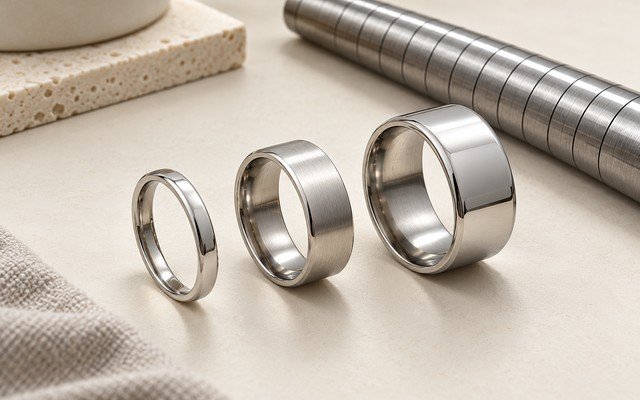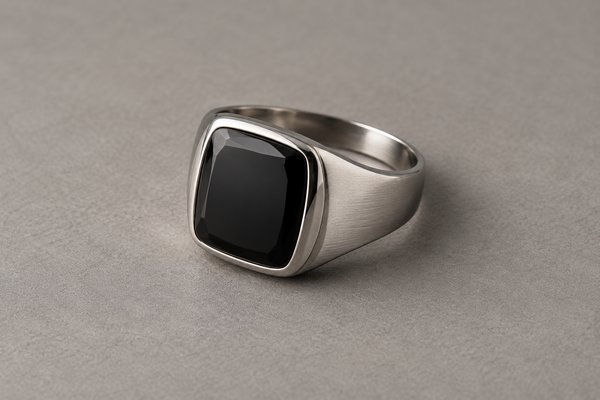
A beautiful jewelry photograph can attract a buyer while leaving their practical questions unanswered. They may still need to see the underside, stone profile, closure or relative scale. For B2B product information, the image set should help a buyer understand the item being quoted. Build a brief around decisions the photographs must support, then add styled imagery where it serves the collection.
A useful B2B jewelry photo brief includes complete front, side and rear views, relevant detail shots and a defined SKU reference. Keep lighting consistent, avoid misleading retouching and label concept imagery so it is not confused with an actual sample or inspection record.
Start with the information gap
List the questions a buyer will ask about the product. A signet ring may need stone height, underside construction and band profile, while a bracelet needs its clasp and link details. Choose views that answer those questions instead of requesting four almost identical front photographs. Each image should contribute something distinct.
For an item such as Stainless Steel Large Hoop Earrings, build the photography brief around complete front, side and closure views of the actual selected sample, with a separate image showing scale.
Tie the shoot to the approved product version. Record the SKU, finish, size variant and sample identity before photography. If the sample changes later, review the images and description together. An attractive photograph of an earlier prototype can become misleading when the quoted item uses a different stone, backing or construction.
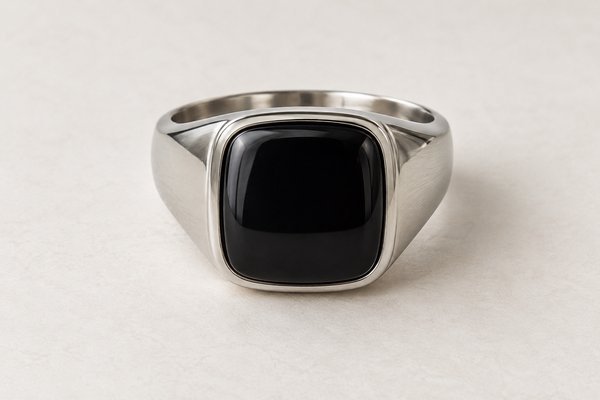
Make the complete product visible
Use a full front image with enough margin to avoid cropping the jewelry in common website layouts. Add side and rear views that clearly show structure. Keep the background simple enough for edges to remain visible. For reflective metal, control the lighting so the image does not hide the outline in bright glare or dark reflections.
For technical background on color measurement, see CIE colorimetry reference. Keep the photograph’s lighting and the physical finish review documented separately.
Provide dimensions in the product information rather than expecting a photograph to communicate exact scale. If you use a ruler or another scale reference, ensure it is suitable and readable. Do not infer measurements from generated imagery. Keep the product image and the dimensional record connected, with the measurement method defined separately.
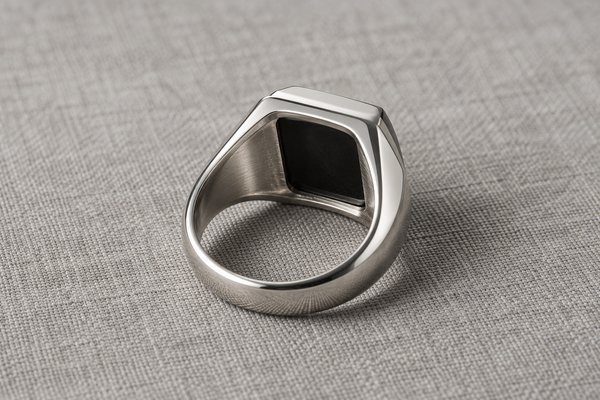
Photo-file naming and evidence example
Use these fields in your purchase order or sample review. Numerical values and IDs below are illustrative, not live product specifications, test results or confirmed commercial terms. Agree measurement methods, tolerances and acceptance criteria for your actual design.
| Field | Record or illustrative example | Verification before release |
|---|---|---|
| Filename | SKU-N01-G_sample-B_reverse_20261010.jpg | Use a real capture date and identified sample when actual photos are supplied |
| View identity | Front, side, reverse, scale and mechanism detail | Keep the same SKU and revision across the set; distinguish concepts from sample photos |
| Publication check | Image-to-SKU match and descriptive alt text | Confirm visible finish and configuration match the product record |
Use detail shots to answer specific questions
For a stone ring, a close-up might show the setting edge and a side image might show how far the stone rises. For a moving product, photograph the mechanism both open and closed where relevant. Explain in the brief what each detail view must show. A macro image should clarify the part, not simply create a dramatic texture.
Avoid editing away actual defects in images used for sample review. Marketing cleanup and inspection evidence serve different purposes, so identify the image's role clearly. A retouched catalogue photograph cannot prove that a bulk batch meets the specification. Keep original sample-review images available in the product record when they support an approval decision.
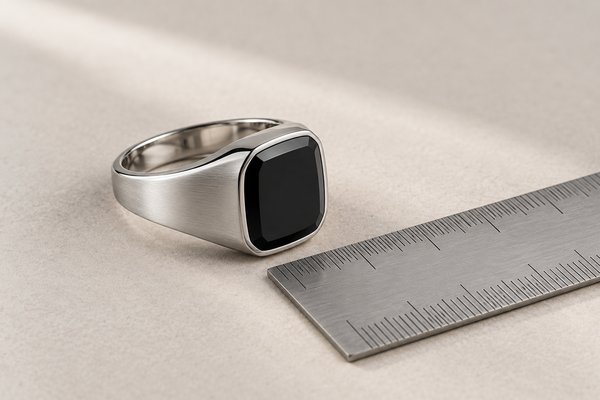
Prepare files that fit the website workflow
Use consistent English filenames that describe the product and view, then add accurate alternative text in the media library. Alternative text should explain what is visible rather than repeat a long list of keywords. Upload optimized files and confirm that the article uses the stored media URLs, not a temporary preview link.
For a blog set, assign one cover image and distinct detail views to the relevant sections. Confirm the dimensions and JPEG format after export, and check that the small display remains clear. If concept imagery is used, label it as illustrative. Replace it with verified product photography when the commercial sample is available and exact appearance matters to the buyer.
A four-view photography brief
| View | Buyer question | Brief requirement |
|---|---|---|
| Full front | What is the complete design? | Show the whole ring with safe crop margins |
| Side profile | How high is the stone and setting? | Keep the structure visible without glare |
| Underside | How is the ring constructed? | Show the band and hidden recesses clearly |
| Setting detail | What does the stone edge look like? | Use a close view tied to the approved sample |
Keep exact measurements in the specification. Label concepts clearly, and connect every actual sample photograph to its SKU, finish, size and revision before exporting the website files.
Keep a file register for every product view
Use a filename pattern such as SKU-finish-view-revision.jpg. Keep the full-resolution master and the optimized website export separate. Record whether each image is a concept, prototype or approved production sample. Before replacing a photo, check that the finish and construction still match the quoted SKU.
For acceptance evidence, follow the sample approval checklist. For small brand marks, add the actual-size views described in the logo artwork guide.
Buyer FAQ
Can generated images replace actual sample photographs?
They can illustrate a concept when labeled clearly. They should not serve as evidence of the exact supplied product, factory process or inspection result.
Should every view repeat the same keyword?
No. Describe each visible view accurately. Clear alternative text is more useful than repetitive keyword stuffing.
Evidence checklist for real product photographs
Before replacing concept images with factory photographs, request a complete set from the same identified SKU and approved sample. A useful evidence set has four labeled views:
- Overall view: front and reverse with a scale reference, without filters that alter metal color.
- Functional view: clasp, hinge, stone seat or back construction in focus.
- Measurement view: caliper or ruler reading and the matching drawing revision.
- Packed view: the exact approved card, pouch or box with its SKU label.
File each original photo with the product code, sample revision and capture date. Do not label concept renders as production-inspection evidence.
How should filenames identify a product photo?
Use the SKU, finish or variant, sample revision and view. Retain the capture date for actual sample photographs, and clearly identify concept images separately.
Plan your wholesale project
For the next approval step, see our jewelry SKU and packing-list guide. Send Yleryler your photography brief with sample SKU, required front/side/back views, product dimensions and intended catalogue channel.
Images in this article are illustrative product concepts; they are not photographs of an approved sample or inspection evidence.